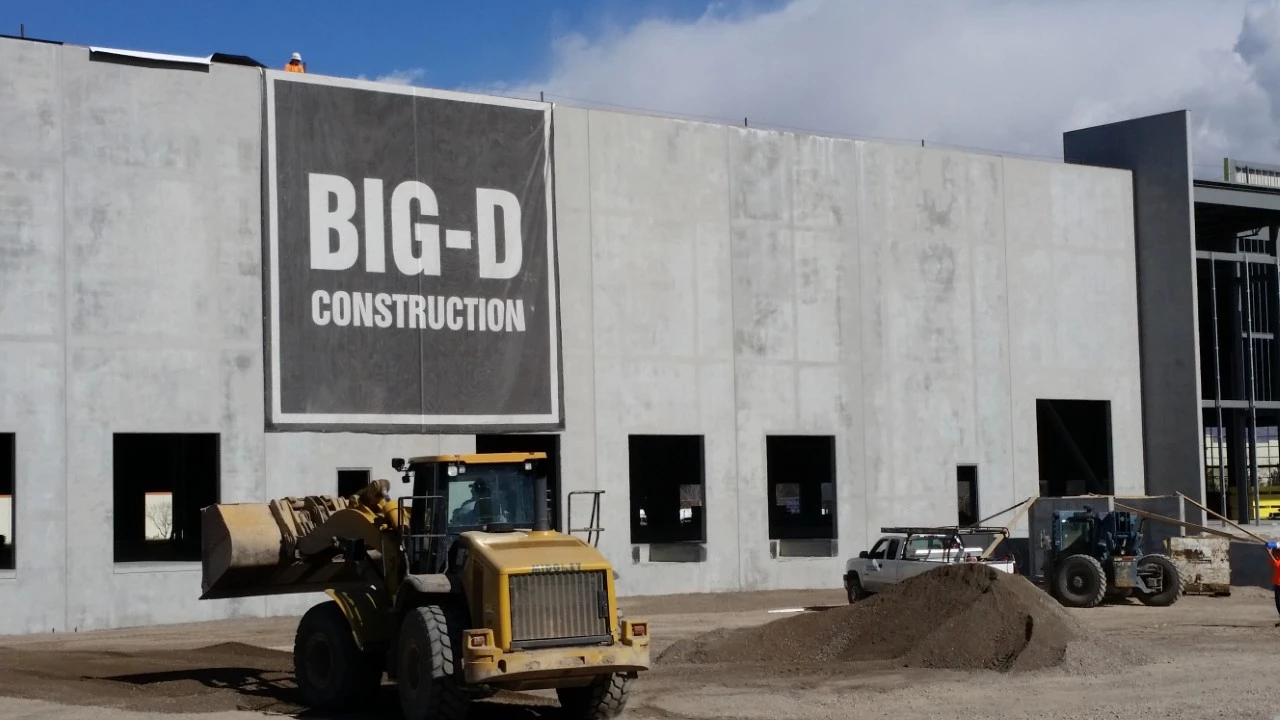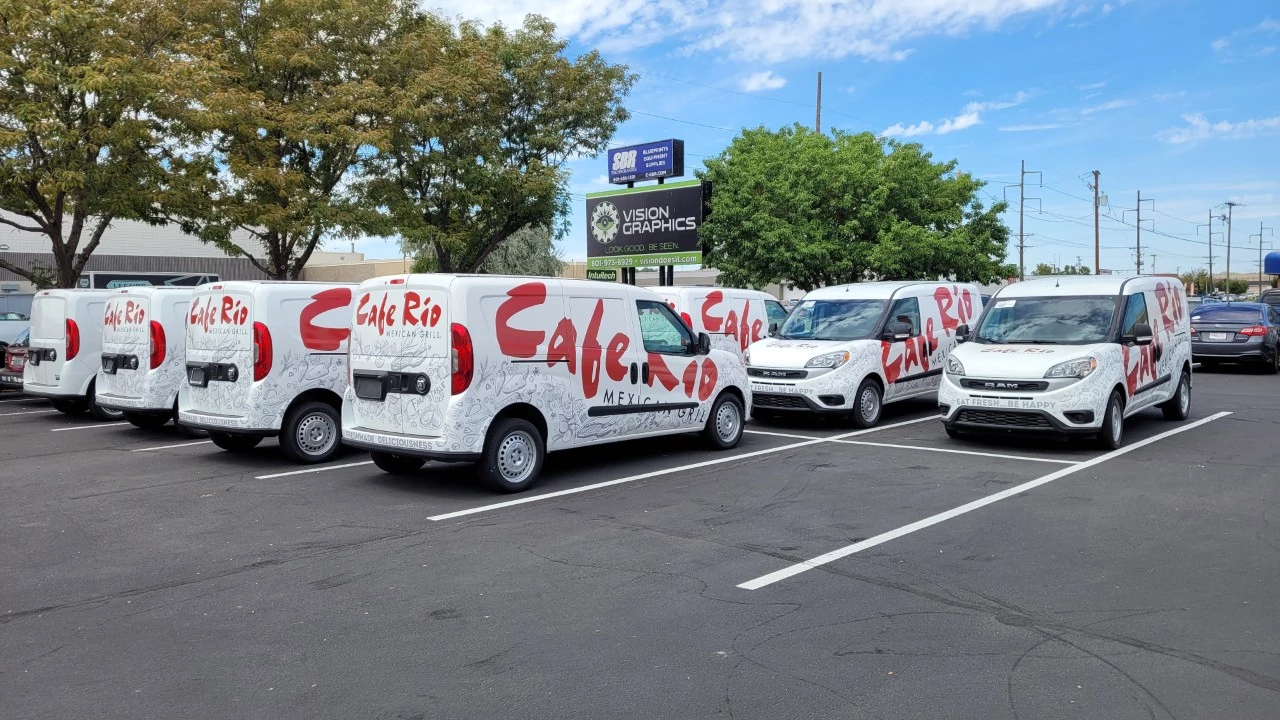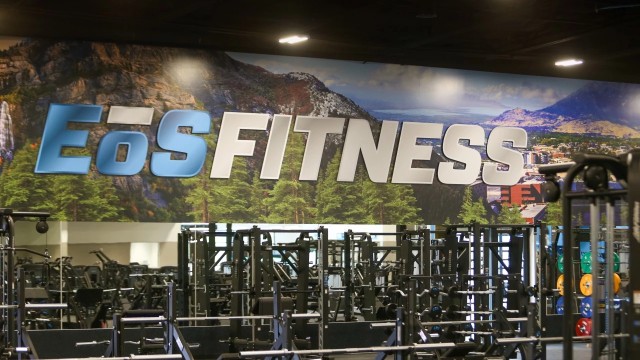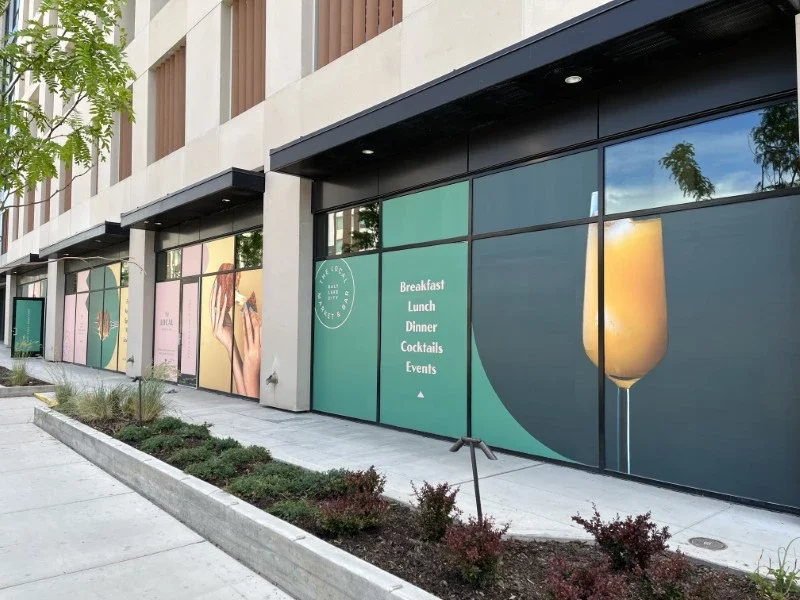
Choose a product by the problem it solves
Use storefront signs for a business identity seen on approach. Choose window graphics for information and promotion on glass, or decorative privacy film for selected interior sightlines. Lobby signs establish an arrival point; room signs and wayfinding support navigation. Wall graphics shape an interior environment. Fleet wraps, banners and event displays extend the same identity to vehicles and temporary settings. The product pages explain practical choices and quote requirements.
Prepare an artwork and photo folder
Collect the current vector logo, brand colors, approved copy and any relevant design guide. Add photographs that show the entire installation area and close-ups of its surface. For replacement work, include existing signs and any original specifications. Keep files clearly named by location or vehicle. This makes it easier to review a project with several elements and reduces confusion between old and current artwork.
Use official sources for site requirements
The City of Reno’s Building Permits page provides current submission resources and sign-permit information. Sparks projects should be checked with the City of Sparks Building and Planning teams. For accessible signage, the U.S. Access Board publishes a guide to the sign requirements in the ADA Standards. These resources support planning; the actual project still needs review against its location, design and applicable requirements.
Plan an event from the organizer’s documents
For a trade show or conference, obtain the exhibitor manual, booth plan, delivery instructions and deadlines. Keep the hardware model with any existing display artwork. Confirm responsibility for venue labor, handling and installation before ordering. A consolidated message list and packing list help the on-site team use the graphics as intended.
Keep the final project record
After approval, retain the proof, material specifications, final dimensions and sign-location list. Add any relevant installation or care guidance. For fleets, record the vehicle identification and graphic version. For buildings, update the schedule when rooms or tenants change. A simple shared project folder is often enough to make repeat orders clearer and preserve consistency across later work.
MATERIALS & APPROACHES
Find the right fit.
Where it can work
- Project planning
- Artwork preparation
- Repeat orders
- Installation coordination
A few useful answers.
Do these guides replace a site survey?+
No. They help you prepare; measurements, condition and access may still need to be verified at the site.
Are the examples all Reno projects?+
No. Vision Graphics portfolio examples may come from other markets. Project context should be read alongside each example.
What if I am not sure which product I need?+
Send a photograph and explain the result you want. The team can help compare appropriate options before a detailed quote is prepared.